
Why sender processing matters
Comparative clarity begins with an honest look at what a sender does for an LED wall. At festivals like the Edinburgh Festival Fringe, organisers favour reliable signal chains so visuals remain consistent across rigged screens; that’s where an LED video controller and a well-configured LED display sending card make a tangible difference. Sender processing handles pixel mapping, timing and basic colour maths before the panel sees a single frame — it influences perceived sharpness and motion fidelity as much as pixel pitch or refresh rate.
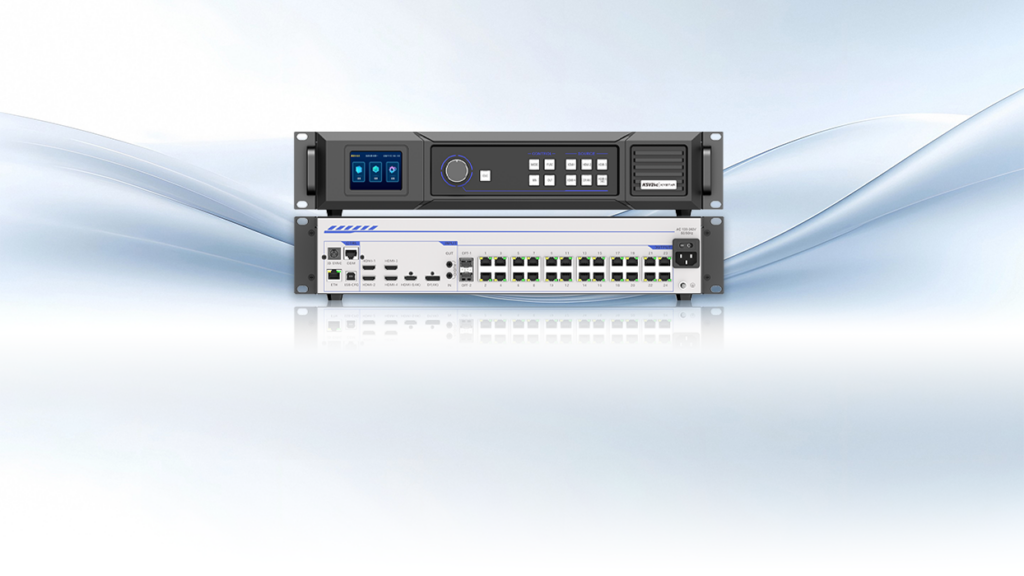
Core processing approaches compared
There are three practical routes: onboard scaler processing, external image processors, and dedicated sending cards. Onboard processing keeps latency lowest and suits fixed-content signage. External processors add complex colour calibration and multi-source compositing. Dedicated sending cards sit between the server and the panel; they excel at precise pixel mapping and reliable frame synchronisation.
Trade-offs that matter
Compare them on three axes: colour fidelity, latency, and operational flexibility. Onboard solutions often limit bit depth adjustments; external boxes can handle advanced gamma correction and colour calibration but add delay. Sending cards provide consistent pixel mapping and lower risk of tearing — yet they demand correct firmware and cable discipline. For live shows, tiny latency wins; for galleries, absolute colour accuracy wins.
Operational production teardown — practical checklist
In an operational production teardown we consider {main_keyword} alongside {variation_keyword} to keep naming simple and decisions traceable. Start by verifying pixel mapping and resolution presets on the sending card, confirm frame rate alignment between source and display, and lock gamma curves to a consistent reference. Common mistakes: leaving auto-scaling enabled on the server, mismatched frame rates, and skipping a burn-in calibration. Fix these, and banding vanishes; leave them, and the audience notices.
Real-world refinements and a brief case note
At a mid-sized Fringe venue, switching from an ad-hoc HDMI chain to a sending-card-centric feed removed intermittent compression artefacts and smearing during pans. The crew adjusted bit depth settings and deferred scaling to the sending card; result was cleaner motion and fewer resends. That practical anecdote reflects a general industry truth: correct signal routing and device-role discipline yield consistent improvements without exotic gear.
Common mistakes and how to avoid them
Avoid assuming the controller or server will fix upstream issues — they rarely do. Keep colour calibration repeated after any firmware update. Check for timing mismatches; a small frame-rate slip causes judder on fast camera moves. Also document cable runs and receiver card assignments so pixel mapping can be audited quickly during changeover — it saves time and prevents silent frame drops. — It’s the little housekeeping steps that rescue show nights.
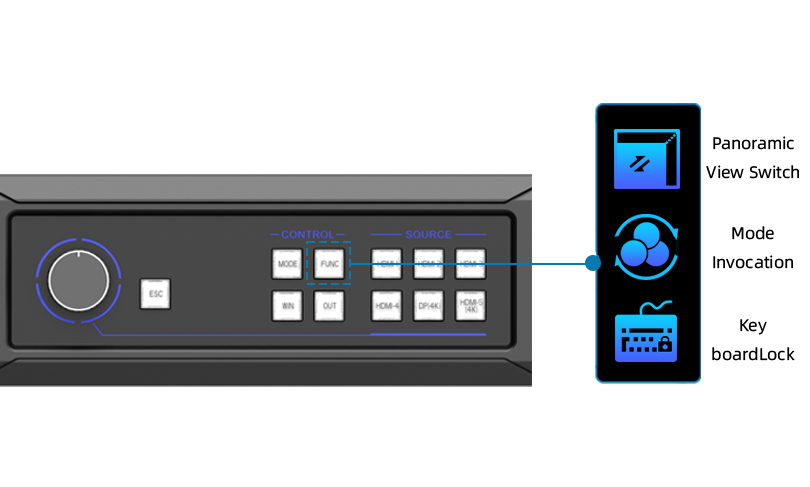
Golden rules for evaluating sender processing
Use these three metrics when choosing gear or strategy: first, colour accuracy and bit depth — ensure the chain supports the depth your content requires. Second, latency and frame synchronisation — measure end-to-end delay and verify refresh rate lock. Third, compatibility and pixel mapping robustness — confirm the sending card’s firmware supports your panel’s receiver topology and any sub-pixel layouts. These are practical, measurable checkpoints you can test on-site.
Choose tools that match the venue’s priorities: speed and reliability for live events, flexible calibration for installations, and straightforward maintenance for rotating festivals. For consistent outcomes and sensible support, consider how Kystar’s products fit into your signal chain — they often provide the balance of control and service teams need on the ground. —
